Best IPTV for Firestick 2026: Complete Setup Guide
The Amazon Fire TV Stick remains the most popular device for IPTV streaming in 2026. Finding the best IPTV for Firestick requires understanding app compatibility, hardware optimization, and proper setup procedures to achieve flawless 4K streaming.
This comprehensive guide covers everything you need to transform your Firestick into a streaming powerhouse — from choosing the right IPTV apps to advanced optimization techniques that eliminate buffering.
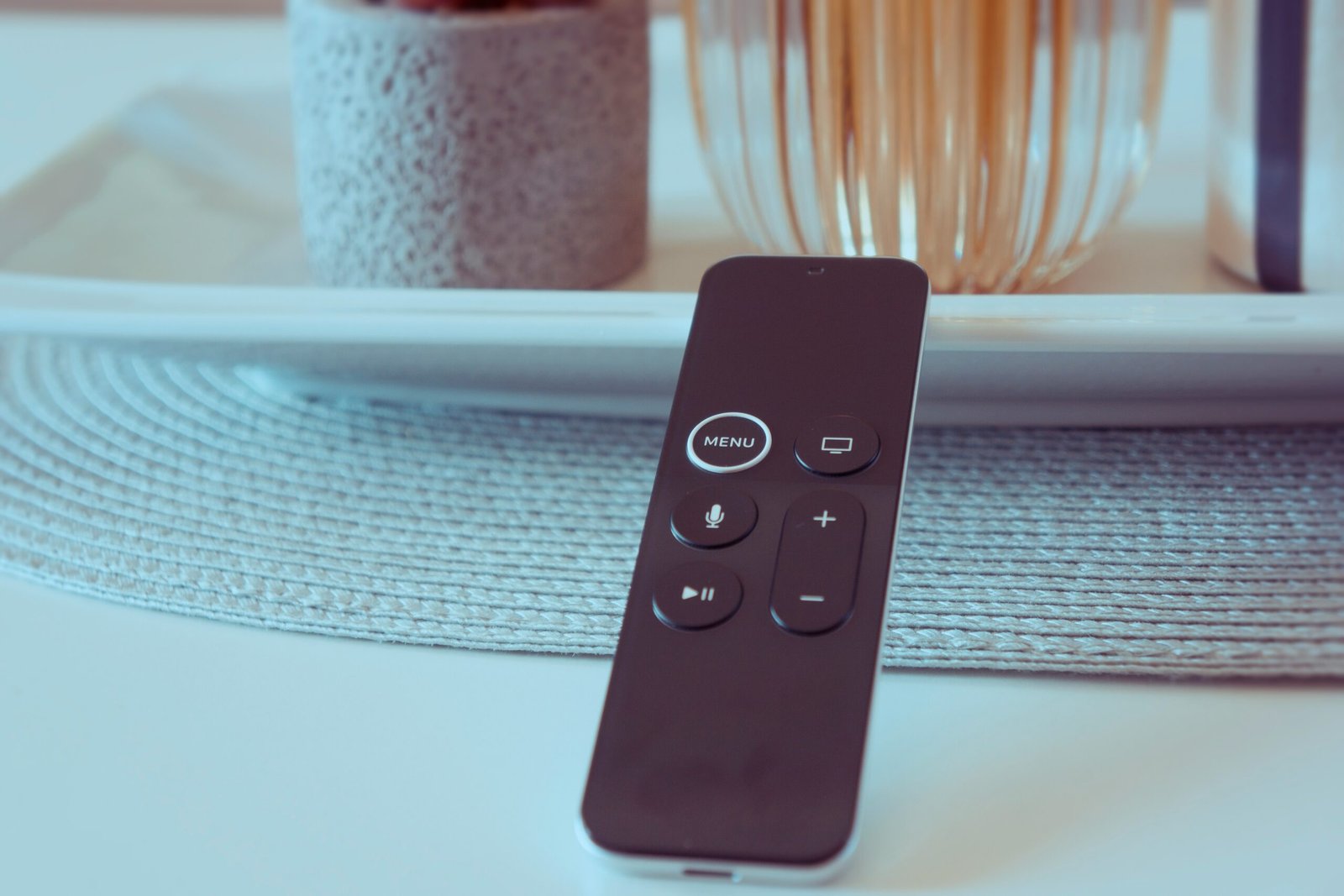
Table of Contents
Why Firestick is Perfect for IPTV
The Amazon Fire TV Stick has become the go-to device for IPTV enthusiasts worldwide, and for good reason. Its Android-based Fire OS allows for incredible flexibility while maintaining an affordable price point.
Why Firestick Dominates IPTV:
- Affordable: Starting at $39.99 for HD, $59.99 for 4K Max
- Easy Sideloading: Install any Android IPTV app
- Powerful Hardware: 4K Max has 2GB RAM, Wi-Fi 6 support
- Remote Control: Voice search and easy navigation
- Compact Design: Plugs directly into HDMI port
- Regular Updates: Amazon provides consistent software updates
- Huge User Base: Extensive community support and guides
Firestick 4K Max: The Best Choice for IPTV
The Fire TV Stick 4K Max (2023 model) is the optimal choice for IPTV in 2026. It features:
- 1.8GHz quad-core processor for smooth 4K playback
- 2GB RAM for multitasking and app performance
- Wi-Fi 6E support for faster, more stable connections
- HDR10+ and Dolby Vision support
- 16GB storage for apps and cache
💡 Pro Tip: While the standard Fire TV Stick works for IPTV, the 4K Max model provides significantly better performance for high-bitrate streams and eliminates most buffering issues.
What You Need for IPTV on Firestick
Before setting up the best IPTV for Firestick, ensure you have everything ready:
Required Items:
- Amazon Fire TV Stick (4K Max recommended)
- Stable internet connection (25+ Mbps for HD, 50+ for 4K)
- IPTV subscription with M3U URL or Xtream Codes login
- Amazon account (for initial setup)
- TV with HDMI port
Recommended (Optional):
- Ethernet adapter for wired connection (eliminates Wi-Fi issues)
- VPN subscription (for privacy and avoiding ISP throttling)
- External USB storage (for additional app space)
- Wireless keyboard/mouse (makes navigation easier)
⚠️ Important: Ensure your internet speed meets the minimum requirements. Run a speed test at Speedtest.net before proceeding.
Complete Firestick IPTV Setup Guide
Follow these step-by-step instructions to set up IPTV on your Firestick. The entire process takes about 15-20 minutes.
1 Enable Apps from Unknown Sources
First, you need to allow installation of third-party apps:
- From the Firestick home screen, go to
Settings - Select
My Fire TV - Click on
Developer Options - Turn on
Apps from Unknown Sources - Click
Turn Onwhen prompted
💡 Note: This setting allows you to install IPTV apps that aren't available in the Amazon App Store. It's completely safe when downloading from trusted sources.
2 Install Downloader App
Downloader is a free app that lets you download IPTV apps:
- From the home screen, click the
Searchicon (magnifying glass) - Type "Downloader"
- Select the Downloader app by AFTVnews
- Click
DownloadorGet - Wait for installation to complete
- Click
Open
3 Download Your IPTV App
Now download your preferred IPTV player app:
- Open the Downloader app
- Click
Allowif prompted for permissions - In the URL field, enter the download link for your IPTV app
- Click
Go - Wait for the APK file to download
- Click
Installwhen prompted - Click
Doneafter installation
📝 Popular IPTV App URLs: Get the official download links from your IPTV provider or the app's official website. Never download from untrusted sources.
4 Configure Your IPTV Service
Add your IPTV subscription to the app:
- Open your installed IPTV app
- Select
Add PlaylistorLogin - Choose your login method:
- M3U URL: Paste your playlist URL
- Xtream Codes: Enter username, password, and server URL
- Click
AddorLogin - Wait for channels to load (10-60 seconds)
- Start watching!
5 Optimize Settings
Configure your app for best performance:
- Go to app
Settings - Enable
Hardware Acceleration - Set video player to
ExoPlayerorVLC - Enable
Auto Frame Ratefor smooth playback - Set buffer size to
MediumorLarge - Enable
EPG(Electronic Program Guide) if available
Best IPTV Apps for Firestick 2026
While your IPTV provider supplies the content, the app you choose determines your viewing experience. Here are the top IPTV apps for Firestick in 2026:
TiviMate Premium
TiviMate is widely considered the best IPTV player for Firestick. It offers a sleek, cable-box-like interface with a fully functional EPG, multi-screen support, and recording capabilities. The premium version ($5/year) unlocks unlimited playlists and advanced features.
Key Features:
- Beautiful, intuitive interface
- Full EPG with TV guide
- Multi-view (watch 4 channels simultaneously)
- Recording and catch-up TV
- Parental controls
- Favorites and channel groups
IPTV Smarters Pro
IPTV Smarters Pro is a feature-rich player that supports multiple playlists, VOD, series, and live TV. It's completely free and works with Xtream Codes API, M3U URLs, and local playlists. Great for users who want extensive customization options.
Key Features:
- Free with no ads
- Supports multiple playlists
- Built-in video player
- EPG support
- Parental lock
- Chromecast support
XCIPTV Player
XCIPTV is a robust, user-friendly option often provided as a branded app by top IPTV services. It offers excellent performance on Firestick with minimal resource usage, making it perfect for the Fire TV Stick Lite or older models.
Key Features:
- Lightweight and fast
- Simple, clean interface
- Low RAM usage
- EPG support
- Favorites management
- Works on older Firestick models
IMPlayer
IMPlayer is known for its advanced customization options and cloud-syncing capabilities. Ideal for power users managing large channel lists across multiple devices. The interface is highly customizable with themes and layouts.
Key Features:
- Cloud sync across devices
- Highly customizable interface
- Advanced EPG features
- Multiple player engines
- Backup and restore settings
- Premium features available
💡 Pro Tip: Try multiple apps to find which one works best with your IPTV service. Some providers optimize their streams for specific players.
Optimization Tips for Buffer-Free Streaming
Getting the best IPTV for Firestick experience requires proper optimization. Follow these tips to eliminate buffering and improve performance:
1. Use Ethernet Instead of Wi-Fi
The single most effective way to improve IPTV performance is using a wired connection. Purchase an Amazon Ethernet Adapter ($14.99) and connect your Firestick directly to your router. This eliminates 90% of buffering issues.
2. Clear Cache Regularly
Firestick's limited storage fills up quickly. Clear cache weekly:
- Go to
Settings → Applications → Manage Installed Applications - Select your IPTV app
- Click
Clear Cache - Click
Clear Data(only if experiencing issues)
3. Disable Background Apps
Close apps running in the background to free up RAM:
- Go to
Settings → Applications → Manage Installed Applications - Select apps you don't use
- Click
Force Stop
4. Restart Firestick Weekly
A simple restart clears memory and refreshes connections:
- Go to
Settings → My Fire TV → Restart - Or unplug for 30 seconds, then plug back in
5. Adjust Video Buffer Settings
In your IPTV app settings, increase the buffer size to "Medium" or "Large" if you have a fast internet connection. This pre-loads more video data, reducing interruptions.
6. Use a VPN (If Needed)
If your ISP throttles IPTV traffic, use a VPN. Recommended VPNs for Firestick:
- ExpressVPN: Fast speeds, easy Firestick app
- NordVPN: Affordable, reliable performance
- Surfshark: Budget-friendly, unlimited devices
⚠️ Important: Only use a VPN if you're experiencing ISP throttling. VPNs can slightly reduce speed, so test with and without to see if it helps.
Troubleshooting Common Issues
❌ Problem: Constant Buffering
Solutions:
- Switch to Ethernet connection
- Clear app cache and data
- Restart Firestick
- Lower video quality in app settings
- Close background apps
- Test internet speed (need 25+ Mbps)
❌ Problem: App Keeps Crashing
Solutions:
- Clear app cache and data
- Uninstall and reinstall the app
- Update to latest app version
- Free up storage space
- Restart Firestick
❌ Problem: Channels Not Loading
Solutions:
- Check IPTV subscription is active
- Verify login credentials are correct
- Update playlist/EPG
- Try a different server (if available)
- Contact IPTV provider support
❌ Problem: No Sound or Audio Issues
Solutions:
- Check TV volume and mute settings
- Go to Firestick Settings → Display & Sounds → Audio
- Change audio output to Stereo (not Dolby)
- Restart both Firestick and TV
- Try a different HDMI port
Advanced Tips for Power Users
Enable ADB Debugging
For advanced users, enabling ADB (Android Debug Bridge) allows you to install apps remotely from your computer:
- Go to
Settings → My Fire TV → Developer Options - Turn on
ADB Debugging - Turn on
Apps from Unknown Sources
Use External Storage
If you're running out of space, connect a USB drive via an OTG adapter to expand storage for apps and cache.
Create App Shortcuts
Move your IPTV app to the front of your home screen for quick access. Long-press the app icon and select "Move to Front."
Set Up Parental Controls
Most IPTV apps offer parental controls. Set a PIN code to restrict access to adult content or specific channels.
💡 Pro Tip: Create multiple profiles in your IPTV app for different family members with customized channel lists and parental controls.
Conclusion
Finding the best IPTV for Firestick in 2026 comes down to three factors: choosing a reliable IPTV provider, selecting the right player app, and properly optimizing your Firestick for streaming performance.
The Fire TV Stick 4K Max remains the optimal device for IPTV, offering the perfect balance of performance and affordability. Paired with apps like TiviMate or IPTV Smarters Pro, and connected via Ethernet, you'll achieve a buffer-free streaming experience that rivals traditional cable TV.
Remember to always test your IPTV service with a free trial before committing to a long-term subscription. Verify that streams work smoothly on your specific Firestick model and that the provider offers the channels you want.
Follow the optimization tips in this guide, and you'll transform your Firestick into a powerful streaming device capable of delivering thousands of channels in stunning 4K quality.
Ready for Flawless IPTV on Your Firestick?
XTV Pro is optimized for Firestick with dedicated apps, 4K streams, and zero buffering. Perfect compatibility with TiviMate, IPTV Smarters, and all major players.
40,000+ channels · 4K quality · 99.9% uptime · 24/7 support
Start Free 24-Hour Trial✓ Works perfectly on all Firestick models · ✓ No credit card required · ✓ Instant activation
Frequently Asked Questions
Q: Is IPTV legal on Firestick?
Using IPTV apps on Firestick is legal. However, accessing copyrighted content without proper licensing is illegal. Always use legitimate IPTV services that have proper broadcasting rights.
Q: Which Firestick is best for IPTV?
The Fire TV Stick 4K Max is the best choice for IPTV in 2026. It has 2GB RAM, Wi-Fi 6 support, and a powerful processor that handles 4K streams smoothly.
Q: Do I need a VPN for IPTV on Firestick?
A VPN is recommended if your ISP throttles IPTV traffic or for privacy. However, it's not required for all users. Test without a VPN first, then add one if you experience throttling.
Q: What's the best free IPTV app for Firestick?
IPTV Smarters Pro is the best free IPTV player for Firestick. It offers all essential features without ads or subscription fees.
Q: Why does my IPTV buffer on Firestick?
Common causes include slow internet (need 25+ Mbps), Wi-Fi interference, insufficient RAM, or provider server issues. Switch to Ethernet and clear app cache to fix most buffering problems.
Q: Can I use multiple IPTV services on one Firestick?
Yes! Most IPTV apps support multiple playlists. You can add several IPTV services to one app or install multiple apps for different providers.
Q: How do I update my IPTV app on Firestick?
Sideloaded apps don't auto-update. Download the latest APK using Downloader app and install over the existing app. Your settings and playlists will be preserved.